Editable shapes.
Not a flat picture.
Describe it and Klarvas builds it as real vector shapes and live text on the canvas — every piece yours to move and change.
Klarvas

Klarvas is a design tool that runs in your browser — graphic design, UI design and AI image generation in one place. Describe what you need and its AI designer, the Maestro, builds it as real, editable layers: text you can retype, shapes you can move, logos you can reshape. Klarvas is in build and coming soon.
Describe it and Klarvas builds it as real vector shapes and live text on the canvas — every piece yours to move and change.
Ask for a whole design on its own board, or a single element dropped into what you’ve selected.
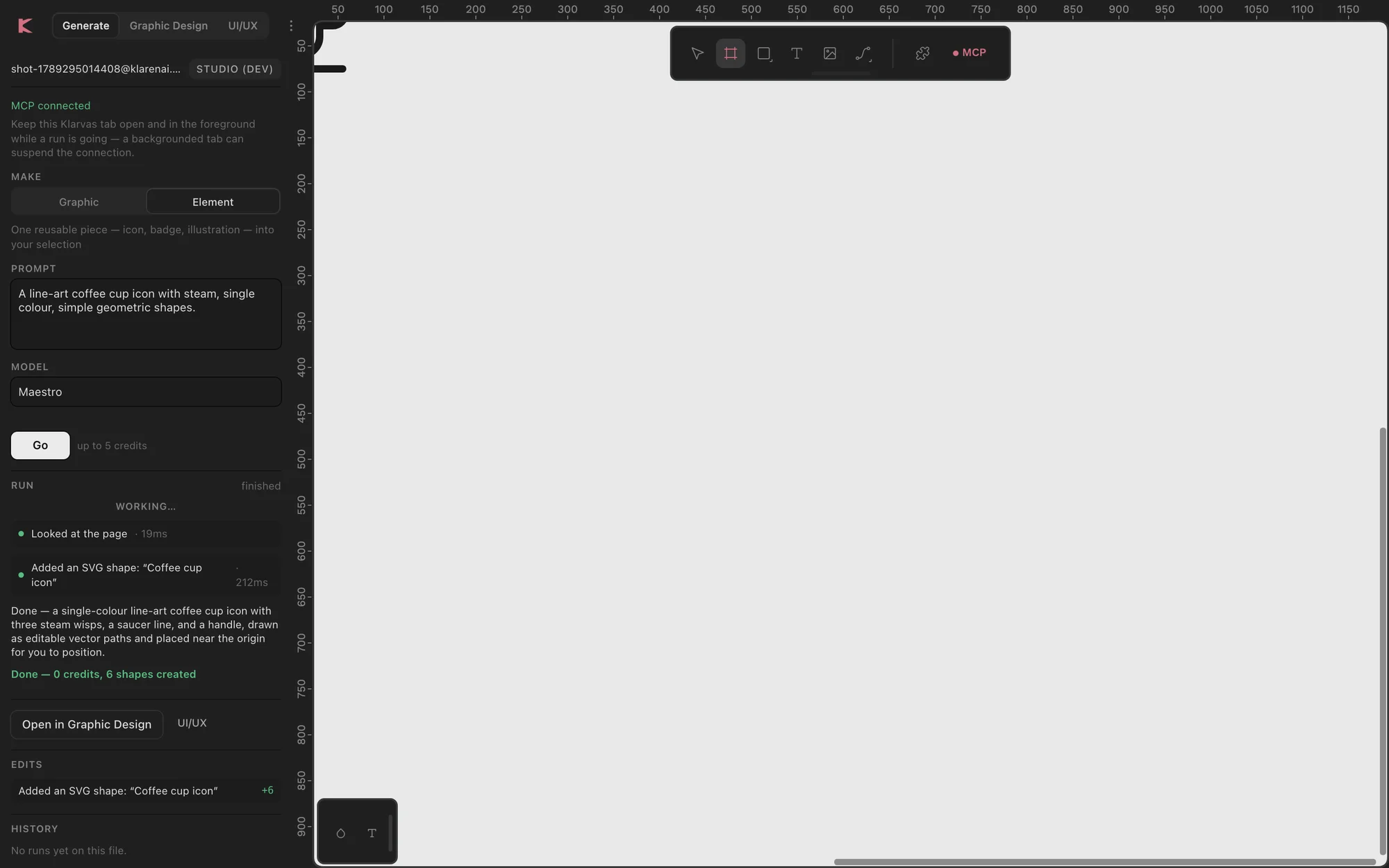
Every run is a list of edits with what each created, changed and deleted — hover one to see the shapes it touched.
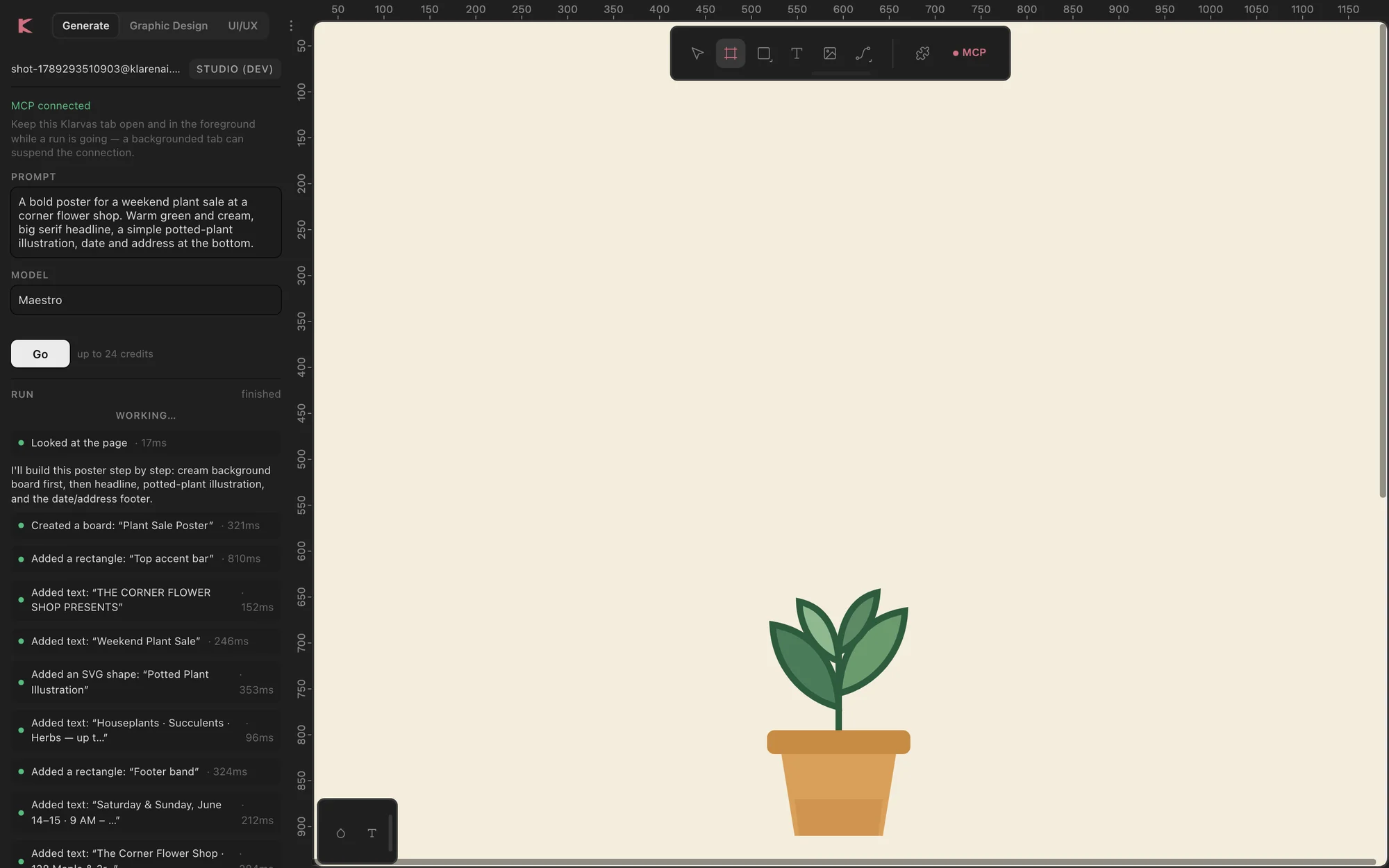
Each edit the Maestro makes is its own undo step, so you keep what you like.
A curated icon library in 23 groups, inserted instantly — no AI round trip for the simple things.
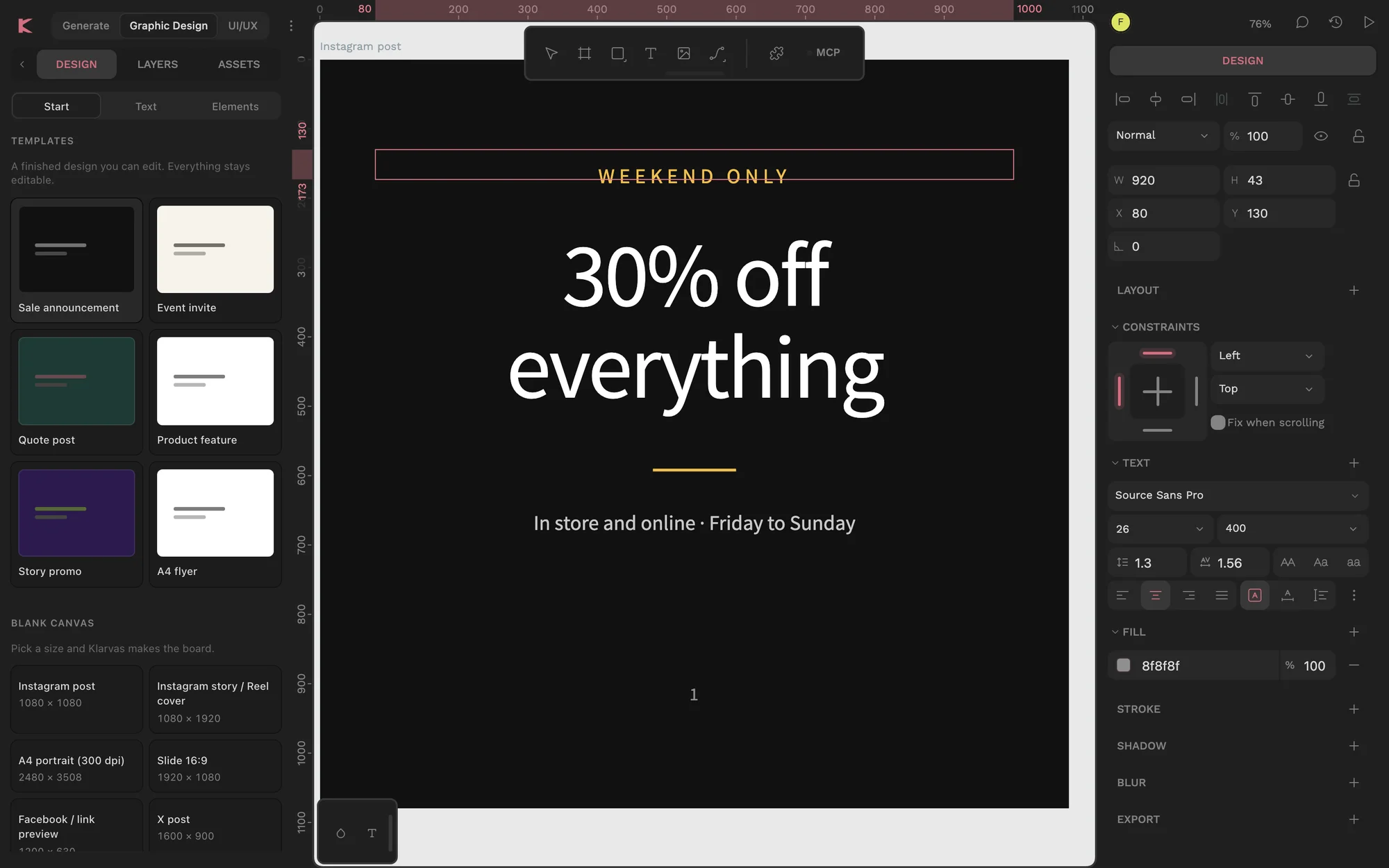
A sale, an invite, a quote, a product feature, a story and an A4 flyer — laid out properly, ready to make yours.
The problem
Most AI design tools hand you a flat image: you can’t fix the typo, move the logo or change the colour. So you redo it by hand in another app.
Starting from nothing, every time.
One wrong word and the whole image has to be made again.
Templates here, icons there, an image generator, a layout tool.
It redid everything, and you can’t tell what moved.
You find out what a generation cost after it ran.
The post, the story, the flyer — each one by hand.
Klarvas builds designs, not pictures. Every shape stays editable.
The method
The Maestro doesn’t paint pixels. It places native shapes, text and layout on the canvas through checked operations — one reviewable edit at a time.
How you work
A single social post today passes through a template site, an icon site, an image generator and a layout tool. In Klarvas it’s one canvas.
Today, making one post
Every download and rebuild is yours.
With Klarvas · one canvas
The canvas
Screens from Klarvas in build, September 2026. Starters, icons, the Maestro and its edit list — on one canvas in your browser.
Six starter layouts, text presets and your uploads, in the left rail.
Measured in build
Klarvas is still in build, so we show only what we’ve measured on a live canvas.
Editable
Every test SVG came back as groups of editable shapes, not a flat image.
10 of 10 in the test set
Speed
A single canvas operation from the Maestro takes a few hundredths of a second.
Median 21–23 ms
Runs
Measured runs from instruction to a finished design.
28 s and 31 s on two of three runs
Cost
Every run has hard limits on steps, time and paid generations.
40 steps, 10 minutes, 8 generations
From Klarvas’s own measurements, September 2026. Klarvas is coming soon and still in build; figures will be updated as it is tested further.
The details
Graphic Design or UI/UX — in the link and on your device.
The most a run can cost, shown before you press.
It waits 8 seconds before warning you, and reconnects on its own.
Refresh the page and the run carries on where it was.
A plain headline and what to do — never a bare code.
Every edit shows exactly what it did.
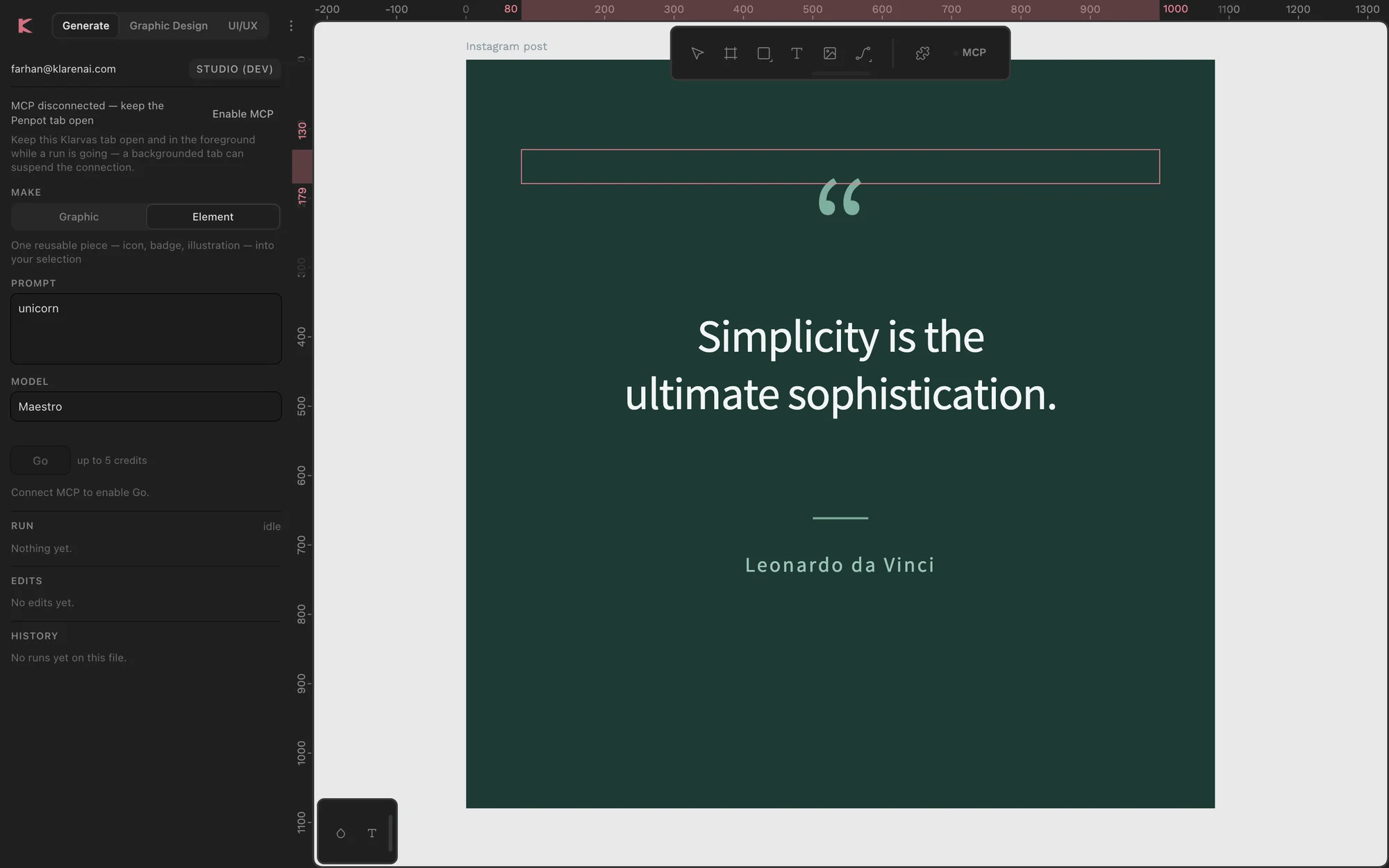
The shapes an edit changed light up on the canvas.
A search with no result becomes a single-element request.
Your designs
Klarvas runs in the browser and keeps your runs on Klaren AI’s servers so you can come back to them. Images the AI is asked to use must come from public, secure web addresses, and the words on your canvas are treated as content — never as instructions to the AI.
Coming soon
Coming soon. Join the launch list and we will write to you once, when it is ready to use.
Both, on one canvas: preset sizes for graphics, and components, auto-layout and prototyping for UI, with AI image generation built in.
Klarvas ships no template gallery. The Maestro composes a layout for your brief, and every piece of it stays editable so you can make it yours.
Yes, all of it. Text, shapes, layouts and generated logos arrive as real canvas objects, not a flat image.
It is built for screen. Colour for commercial print (CMYK) is out of scope.